
CIMCO NC-Base
Organize, manage, and protect CNC programs and related production documents.

Organized and protected
CIMCO NC-Base is an integrated add-on for CIMCO Edit and the ideal solution for CNC programmers and operators to efficiently manage CNC programs and related production documents.
With NC-Base, virtual folders containing all necessary data can be created and managed by all authorized employees.

Advantages of CIMCO NC-Base
A central application
Manage, edit, simulate, and transfer CNC programs in one application.
Organized and protected
Organize, version, and save the created documents.
Ideal for manufacturing
Send and receive CNC programs in combination with CIMCO Edit and CIMCO DNC-Max.
Features of CIMCO NC-Base
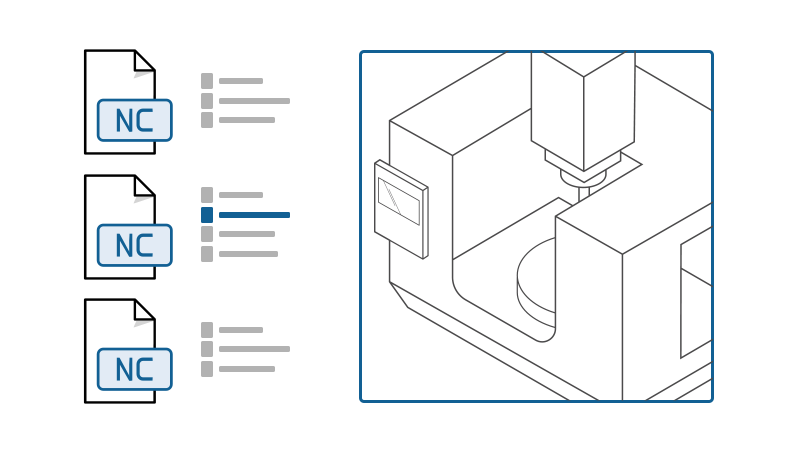
File overview and preview
View and manage CNC programs and related documents clearly in the preview.
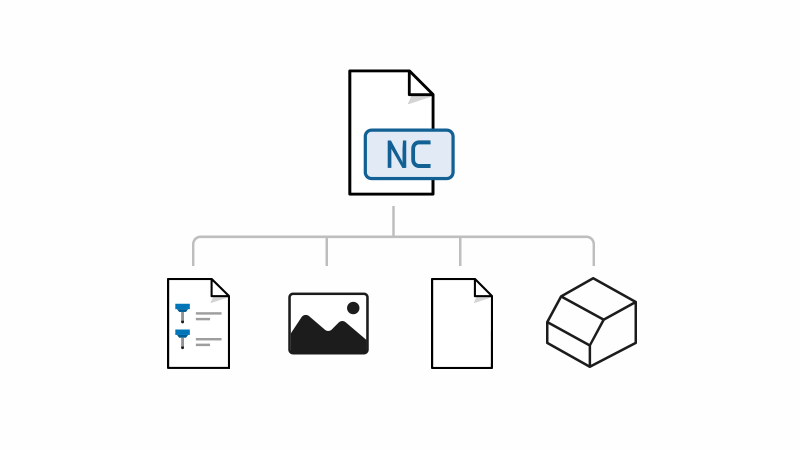
Linking files with CNC programs
Linking production documents to CNC programs – including setup sheets, tool lists, memos, and image files.
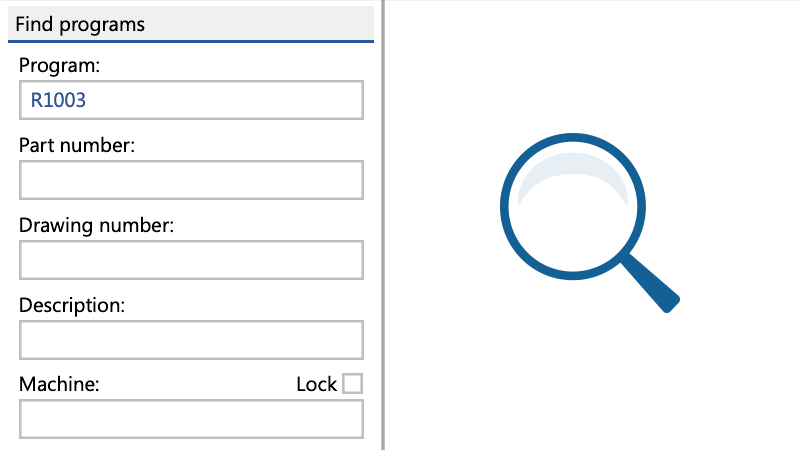
Extensive search
Detailed search and filter options such as program, part, and drawing numbers, as well as machine, customer, or document status.
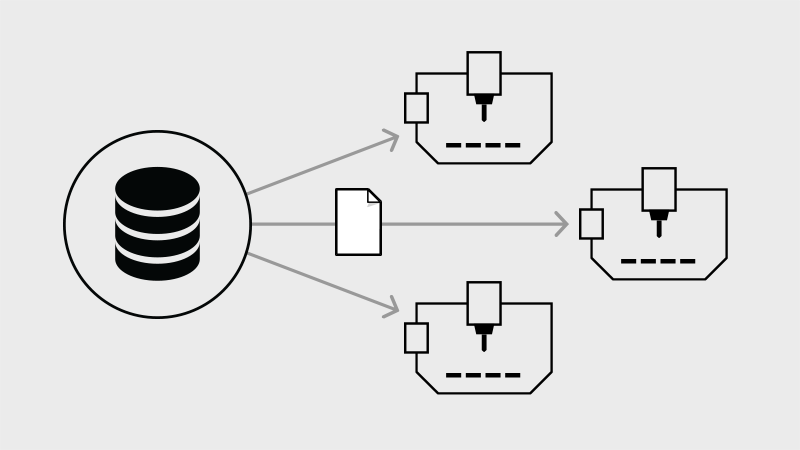
DNC communication
Sending and receiving CNC programs in conjunction with CIMCO DNC-Max.
Approval workflow
Access restriction through status flags and file locks, as well as an overview of open file checks in the import queue.
Backup / restore and versioning
Flexible backup, recovery, and detailed comparison of file changes with the original state.
System requirements & downloads
CIMCO NC-Base Support
All features at a glance
Administration & Organization
Storage of CNC programs and related documents in virtual folder structures. Physical files can be stored flexibly in different locations.
Easily add, move, and link files using drag-and-drop in the NC-Base interface.
Connection of vault folders for unsupervised files, including specific user permissions.
Search & Analysis
Precise filtering by metadata, placeholders (*, ?), status, date ranges, or content within files (e.g., G-code strings).
Instant display of file contents and metadata in the preview window without opening the program.
Parallel comparison of any two CNC programs or versions with color highlighting of differences.
Output of filtered results as a file or print-ready report.
Detailed overview of all properties of a selected folder or document with copy function for information.
Security & Versioning
Detailed control of access, changes, and approvals by user groups and approval levels.
Recording of all events and changes with export option to Excel.
Communication & Workflow with CIMCO DNC-Max and CIMCO Edit
Integrated basic functions (serial/FTP) for file transfers. Full integration with CIMCO DNC-Max.
Automatic inclusion of externally modified or new programs in a queue for review prior to final approval.
Request programs directly from the CNC control via trigger message (requires DNC-Max).
Separate tab in CIMCO Edit for direct management without switching programs.